The AI video studio
AI videos.
Made for your team.
Create presenter-led videos from your scripts. Bring training, product updates, and marketing stories to life in one video studio.
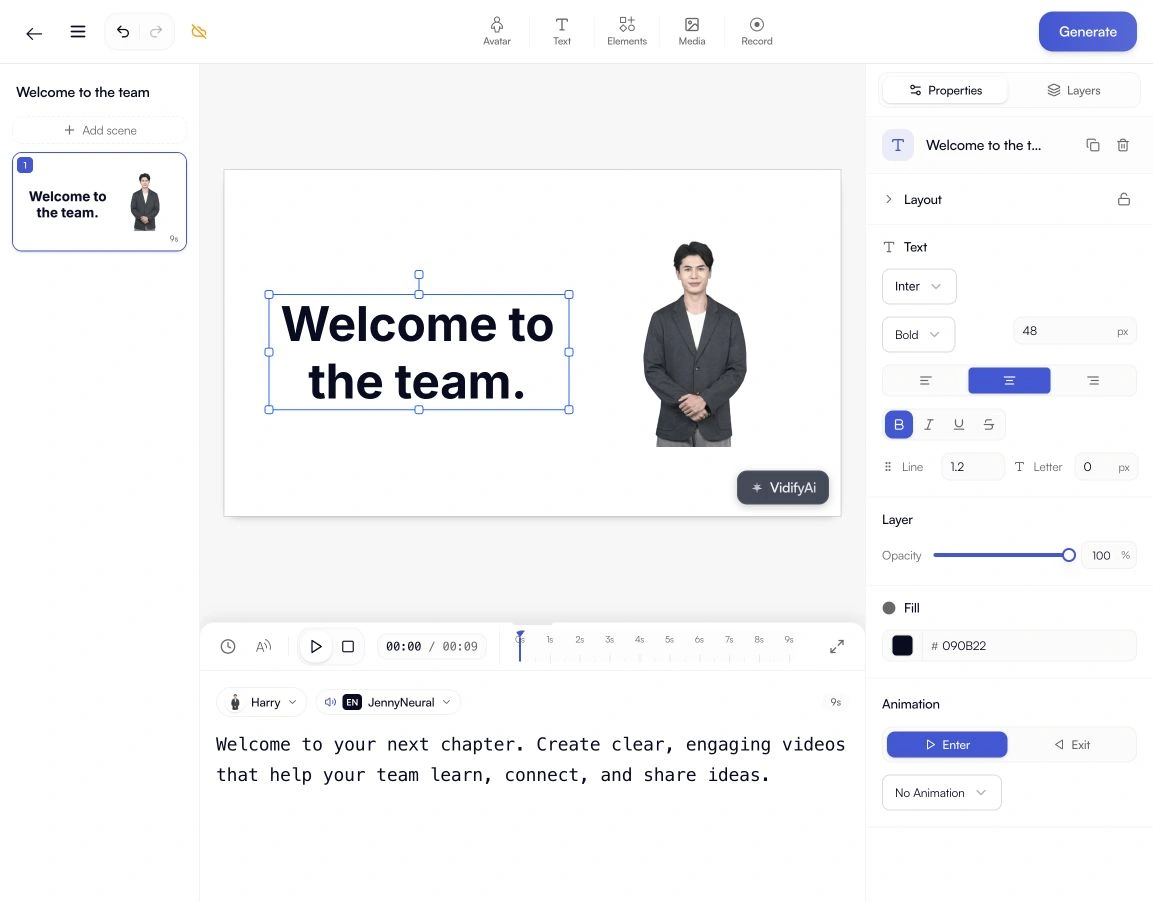
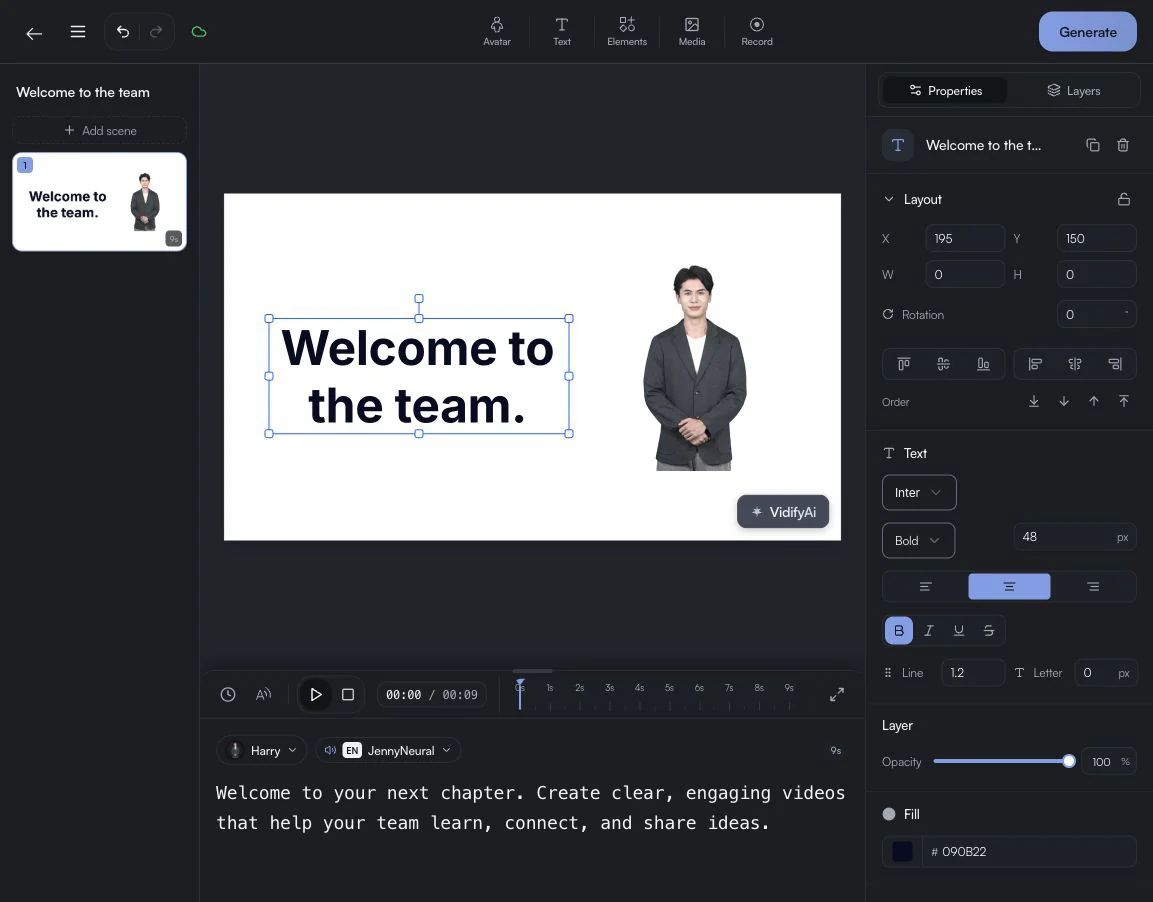
Built for the messages that move work forward.
Marketing teamsLearning & trainingProduct teamsContent creatorsA whole studio.
A little more possibility.
Bring the message. Find your presenter. Make something worth watching.
Words become video.
Your script is the starting point. Shape the voice, the scene, and the story.
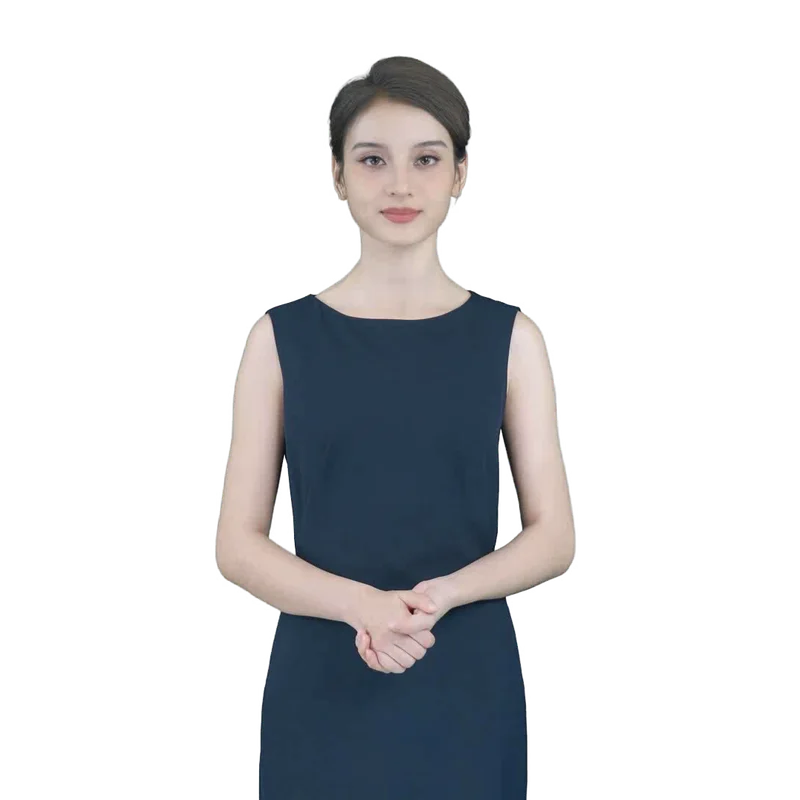
A face for your story.
Meet your next on-screen presenter.
Make yourself understood.
Find a voice for your audience.
Skip the blank canvas.
Start with a format that fits. Make it your own.
Your ideas.
A simpler production.
Go from a first draft to a finished video in one workspace. Bring the message. VidifyAI handles the presentation.
See how it worksStart with your script
Write or paste what you want to say. Shape the message before you create the video.
Make it feel like you
Choose your presenter and voice. Set the background, add music, and adjust the scene.
Generate and share
Render your video and export it for your website, social channels, or learning materials.
Put a face
to your next idea.
Find a presenter that fits your message. A familiar face for every video, without another day of filming.



One studio.
So much to say.
Product announcements, social campaigns, and explainers. Create a video for the message you need to share next.
Explore this solutionTurn lessons and training scripts into clear, presenter-led videos. Update the script when the material changes.
Explore this solutionHelp people understand what your product does. Make walkthroughs and explainers with a consistent presenter and voice.
Explore this solutionIntroduce products, explain a service, and answer the questions customers ask before they buy.
Explore this solutionWhat is an AI video generator?
An AI video generator turns your script into a presenter-led video. Write your message, choose your avatar, and create a video you can share.
A few words
from creators.
“VidifyAI Studio makes creating high-quality AI videos super easy!”Ranjan KumarFounder at Unfiltered Growth
Room for your next idea.
Choose the plan that fits your production, and grow at your own pace.
Loading pricing plans...
Your next video starts with a workspace.
Create an accountIs VidifyAI suitable for small businesses?
VidifyAI helps small businesses turn scripts into videos with AI presenters and voices. Essential, Creator, and Business are paid plans with different credit allowances and export options. Compare the current plans on our pricing page to find the right fit for your production needs.
How does VidifyAI compare to Synthesia?
Both products offer AI presenter video workflows. When comparing them, check the available avatars and languages, editing tools, generation allowances, and export quality against your needs. Use each provider’s current pricing page for plan details.
How much does AI video creation cost?
AI video generation requires a paid Essential, Creator, or Business subscription. Each plan includes a monthly credit allowance; usage depends on the services and video length you choose. Our pricing page shows current prices in the available currency, annual billing options, and included credits.
Can I create videos without being on camera?
Yes! VidifyAI's AI avatars allow you to create professional videos without appearing on camera yourself. Simply write your script, choose from 18+ realistic AI presenters, and generate studio-quality videos. This is perfect for people who are camera-shy, want to scale content production, or need videos in multiple languages.
Which VidifyAI plan should I choose?
Start by comparing your expected monthly credit usage, maximum video length, and required export quality. Essential is the entry paid plan; Creator and Business provide larger allowances and additional features. See the current pricing cards for the full comparison.
How does VidifyAI work?
VidifyAI uses advanced artificial intelligence to transform your text into professional videos with lifelike AI avatars. Simply type your script, choose an avatar and voice from 18+ presenters in 40+ languages, and our AI generates a studio-quality video in 2-5 minutes. No filming, editing, or technical skills required.
More questions about VidifyAI
What types of videos can I create with VidifyAI?
You can create marketing videos, product demos, explainer videos, training materials, educational content, social media posts, sales presentations, customer support videos, and internal communications. Our AI avatars speak naturally in 40+ languages, handling any type of professional content.
How realistic are the AI avatars?
VidifyAI's AI avatars feature natural facial expressions, accurate lip-sync, and human-like gestures. Our 18+ professional presenters are designed for business use, looking authentic and engaging enough for client-facing content, training videos, and marketing materials.
What languages does VidifyAI support?
VidifyAI supports 40+ languages with natural-sounding text-to-speech, including English, Spanish, French, German, Portuguese, Chinese, Japanese, Korean, Arabic, Hindi, and many more. Each language features native pronunciation and cultural nuances for authentic global content.
How long does it take to create an AI video?
Most VidifyAI videos are generated in 2-5 minutes, depending on length. This is dramatically faster than traditional video production (days/weeks) and most competitors. You can create multiple professional videos per hour, making it perfect for scaling content production.
Is Essential a free plan?
No. Essential is a paid subscription. Creating an account does not include free video generation; you need an active Essential, Creator, or Business plan and enough credits to generate videos. Any available trial offer will be stated on the pricing page.
Can I use AI-generated videos for commercial purposes?
Yes, all VidifyAI paid plans include full commercial usage rights. You can use generated videos for marketing, advertising, client projects, training, and any business purpose. This is included in your subscription with no additional licensing fees.
How does VidifyAI’s credit allowance work?
Each paid subscription includes a monthly credit allowance shared across supported generation services. Different services use different amounts of credits. Check the plan’s allowance on the pricing page and your remaining balance in the workspace before generating content.
How do I create training videos with AI?
With VidifyAI, creating training videos is simple: write your training script, select a professional AI presenter, choose your language, and generate. The AI avatar delivers your content naturally, like having a professional instructor. Perfect for employee onboarding, compliance training, and educational content.
What is an AI video generator?
An AI video generator is software that uses artificial intelligence to automatically create videos from text, scripts, or prompts. Instead of filming with cameras and editing manually, AI generates realistic video content including AI avatars (virtual presenters), text-to-speech narration, and visual elements. This technology makes professional video creation accessible to anyone.
How does text-to-video AI work?
Text-to-video AI works by analyzing your written script and converting it into video. The process involves: 1) Natural language processing to understand your content, 2) Text-to-speech synthesis to create natural-sounding audio, 3) AI avatar animation to create a realistic presenter, 4) Scene composition to combine all elements. VidifyAI handles all this automatically in 2-5 minutes.
Are AI-generated videos detectable?
Modern AI video generators like VidifyAI produce highly realistic content that's difficult to distinguish from traditional video. Our AI avatars feature natural expressions, accurate lip-sync, and human-like gestures. While AI detection tools exist, they're primarily used for misinformation detection, not legitimate business content. For marketing, training, and educational use, AI videos are widely accepted and effective.
What equipment do I need to make AI videos?
You need zero equipment to create AI videos with VidifyAI - just a computer or smartphone with internet access. No cameras, microphones, lighting, green screens, or editing software required. Simply log into VidifyAI, write your script, and generate professional videos instantly. This is one of the biggest advantages over traditional video production.
Your next video
starts with a sentence.
Open the studio and bring your message to life.